There are several ways student orientations are conducted for online distance programs at the Division of Continuing Studies.
To give some background, for two of the online programs at the Division of Continuing Studies, we facilitate is a full week mandatory orientation for students which is set up as a separate course site. I did not design this orientation, but I will be facilitating it for the first time this fall. I did, however, take some ideas from this course for the orientations I adapted for the following orientations.
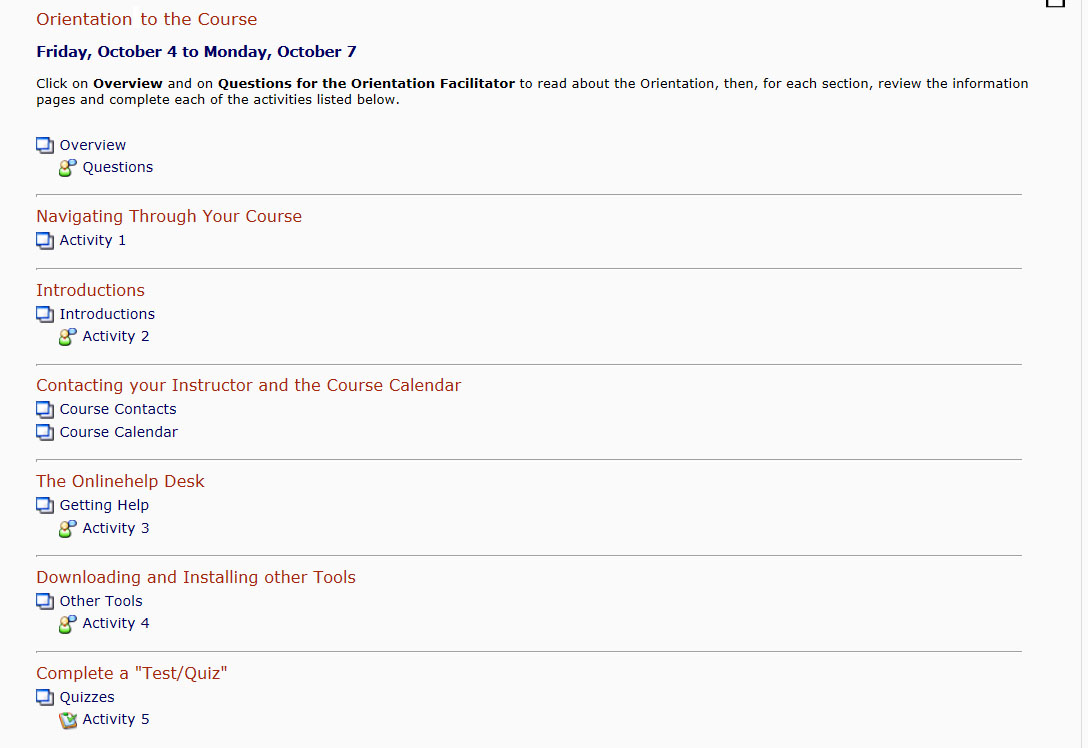
- The first orientation I designed using the full week mandatory orientation as a template was a three-day (Friday, Saturday, Sunday) optional orientation for a Wound Management online course. During these three days, the course content is closed, and students are encouraged to complete various activities in order to learn how to navigate around the site, how to use the various tools they will need for the course, and how to download the various plugins they will need in order to view some of the content. Below is a screen shot of the orientation block showing the activities students are to complete. (Click on the image to see a full-size version.)
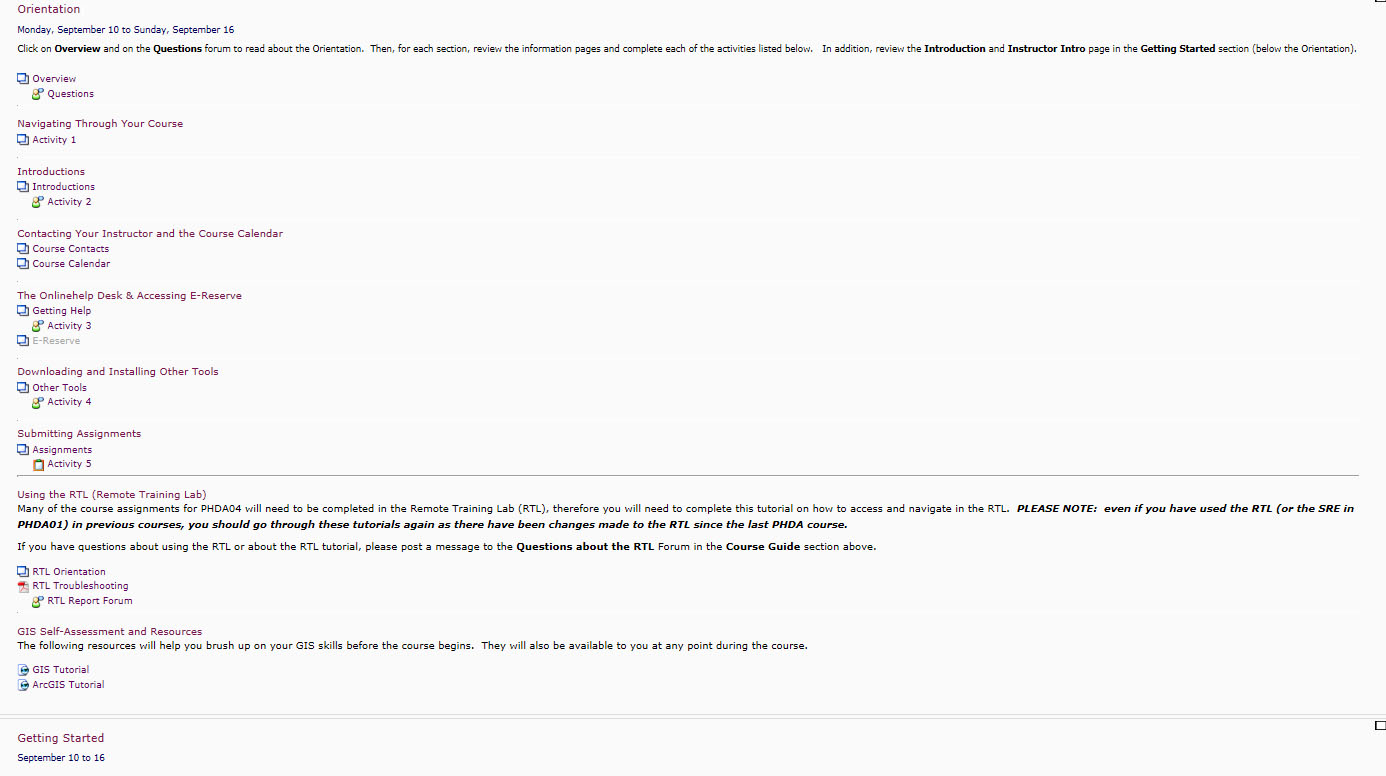
- The second orientation I designed took the 3-day design and expanded it to a one-week orientation, still optional, but again, for the duration of this orientation, the course content is closed. I designed this orientation to be a week long because this particular Program (Population Health Data Analysis) is quite complex in that students need to gain access and become oriented to a secure research training lab (SRTL) outside of their course site, and also typically need to complete refreshers on software tools (housed inside this secure training lab) or on other topics, like statistics. Thus the orientation does not only cover navigation, tools and plugins, but also includes tutorials and support information related to the SRTL and the additional software students will have to use. Below is a screen shot of the orientation block showing the activities students are to complete for this orientation. (Click on the image to see a full-size version.)
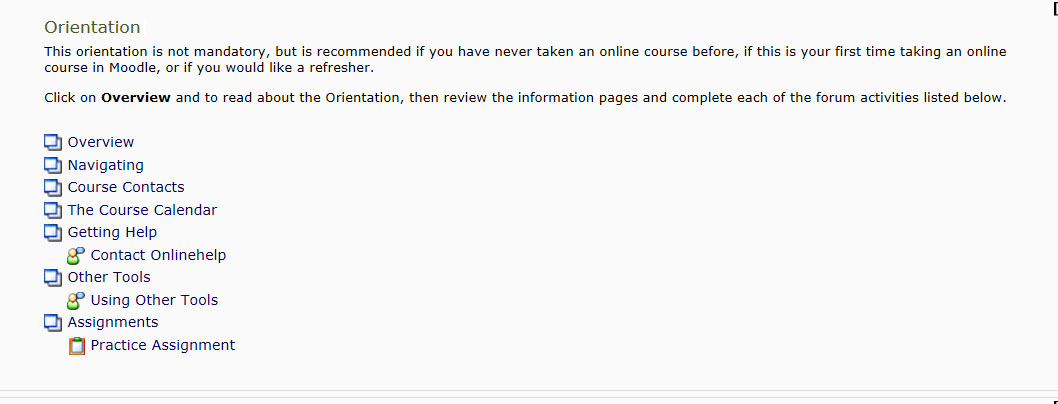
- Finally, for the Certificate in Adult Education, I adapted the 3-day model to again be optional, but for this program the course content is open during the orientation period. This particular orientation does not contain structured activities, but contains guidelines for how to navigate the course site and how to use the various tools in the course. Below is a screen shot of the orientation block showing the activities students are to complete for this orientation. (Click on the image to see a full-size version.)
For the programs that use these various optional orientations, the orientation blocks are moved to the bottom of the course site once the orientation period is finished, so it`s not “in the way” while students work on content, but is still available to them for the duration of the course.
Leave a Reply